If you haven’t received access to AMC automatically, then you can set it up manually via the steps below.
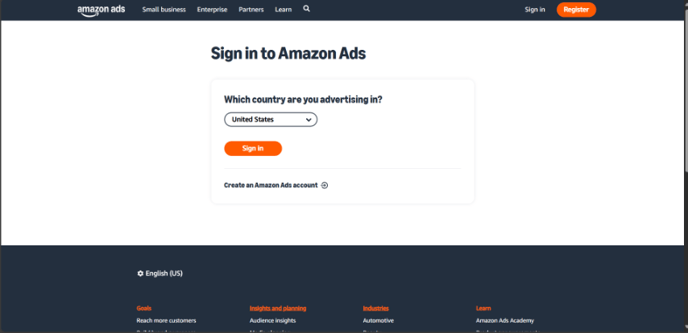
Log in to your Amazon Ads Console.
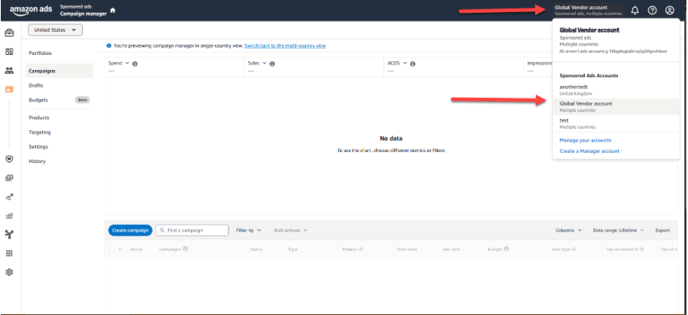
Select the Sponsored Ads account you want to connect to AMC.
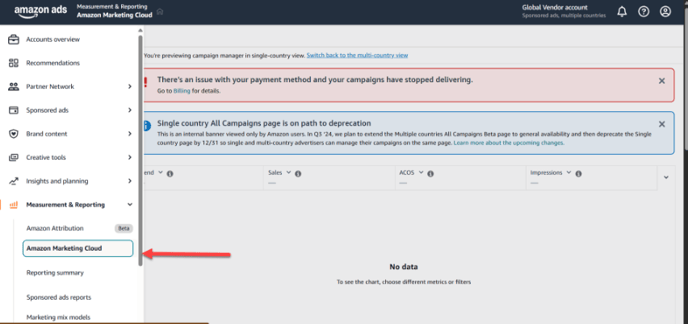
Go to Measurement & Reporting → Amazon Marketing Cloud.
Accept the AMC Terms & Conditions.
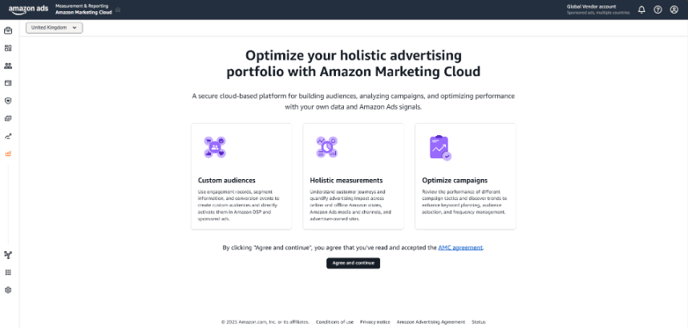
You must accept the terms and conditions in AMC on Amazon under the region you are trying to connect.

Wait up to 90 seconds for your AMC instance to be created.
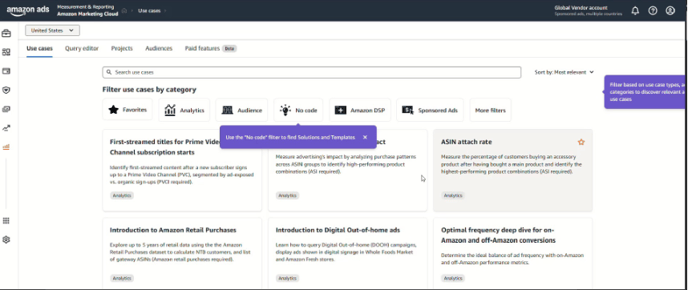
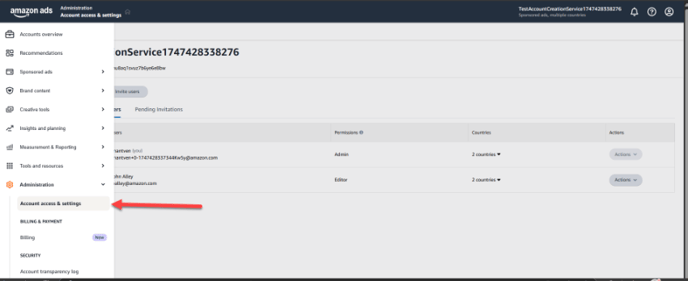
Once ready, access AMC or invite additional users from Account Access & Settings.
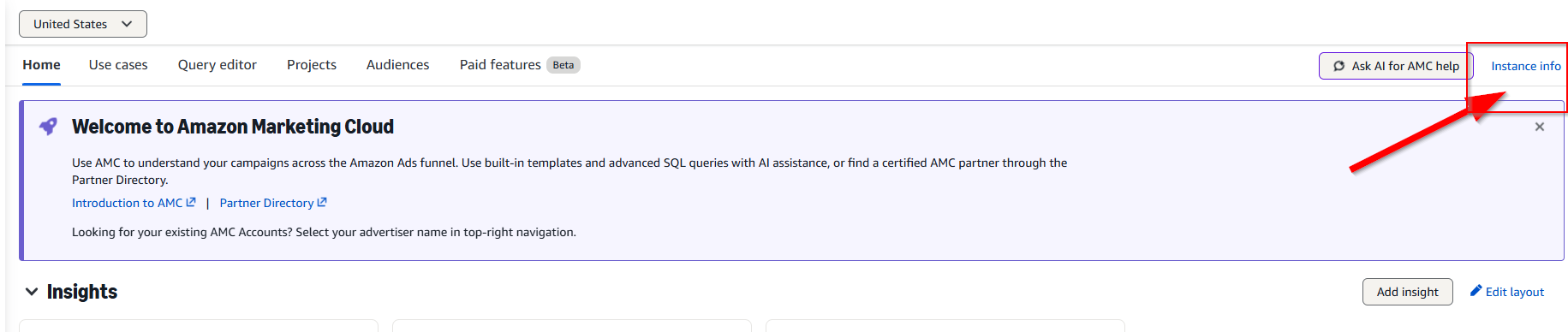
You will need to check this in Amazon under Instance Info: https://advertising.amazon.com/marketing-cloud/instances/amcy6z3pbvi/info
AMC is available across these marketplaces grouped by region:
⚫ North America: United States, Canada, Mexico
⚫ South America: Brazil
⚫ Europe: Germany, Spain, France, Italy, Netherlands, United Kingdom, Sweden, Turkey
⚫ Middle East: Saudi Arabia, United Arab Emirates
⚫ Asia Pacific: Australia, India, Japan
Still can’t connect? Please reach out to us via the chat bubble in the app.
