
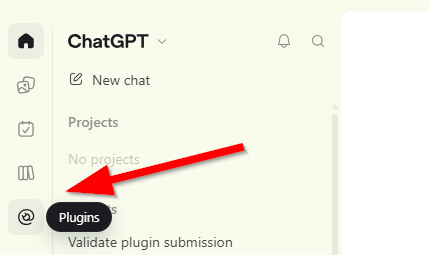
In the desktop app, go to “Plugins” from the lefthand sidebar.
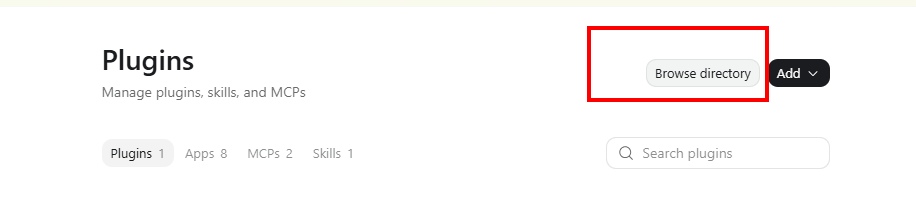
Then click “Browse Directory”.
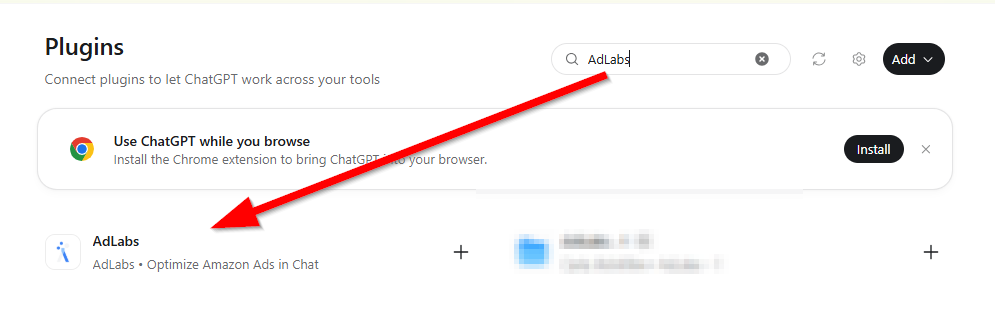
Search for AdLabs and click the plus sign to add it.
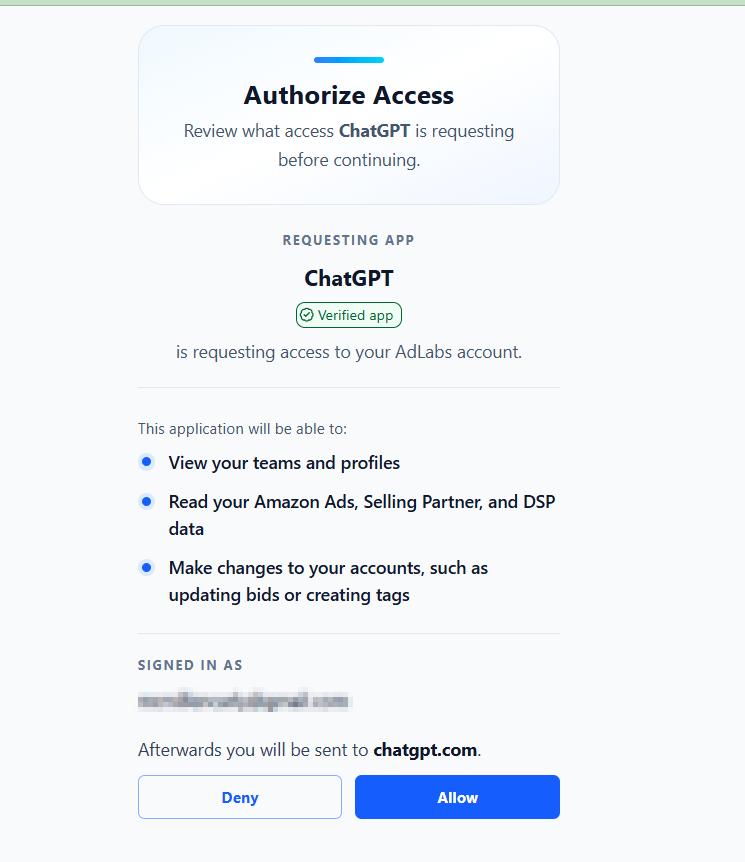
You will then be prompted to sign in to AdLabs in your browser. Click “Allow” to authorize access.
That’s it! Now you can query your AdLabs data from within ChatGPT.
Want to connect via the API key?
How to Connect the AdLabs MCP Using an API Key
Step-by-step guide for connecting to the AdLabs MCP server using API key authentication.
Have questions on how to configure the MCP for larger teams?
How MCP Access Works with Teams, Accounts, and Permissions
How your AdLabs permissions, Teams, and API keys carry over to MCP connections.
